
This is how every part of it works, in the order you meet it. Reading the market needs no account. Everything else starts with a sign-in.
Contents
Getting started
Sign in with Apple or with Google. There is no password and no email from Anteek. A handle such as anteek4821 is made for you; you can choose your own later.
Or tap Browse first. The market, every question and every lot can be read without an account. Posting, answering, estimating, watching and messaging ask you to sign in at the moment you try.
One account works on up to 10 phones at once. Sign in on an eleventh and the one you used longest ago is signed out. Anteek is for adults, 18 and over.
The five tabs
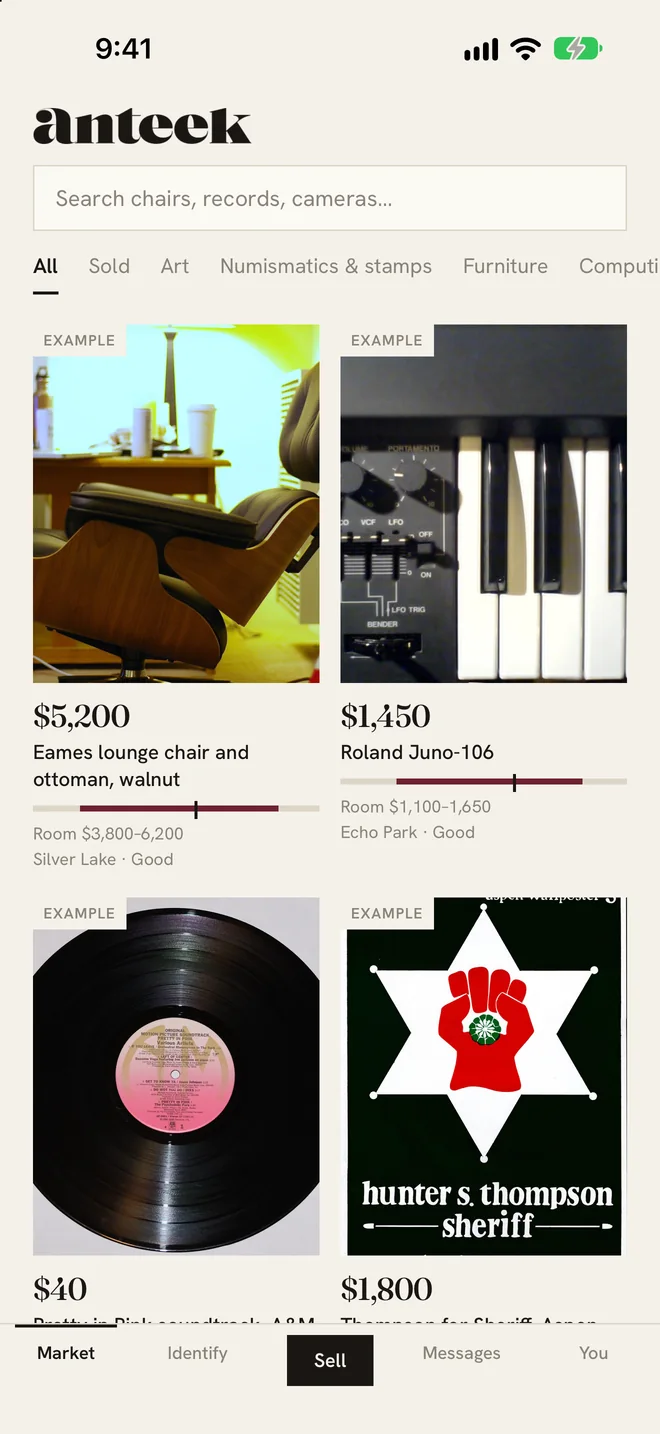
- Market. Everything for sale, the room’s range beside each price.
- Identify. Things people have asked about, waiting for an answer.
- Sell. The middle button. Post something, to sell or just to ask.
- Messages. Every conversation with a buyer or seller. The badge counts unread threads, up to 9+.
- You. Your posts, your standing, your watch list and Settings.
The market
Search with the bar at the top (“Search chairs, records, cameras…”) or narrow it with the chips under it: All, Sold, Copy Room ›, then one chip per branch. It loads 30 at a time as you scroll.
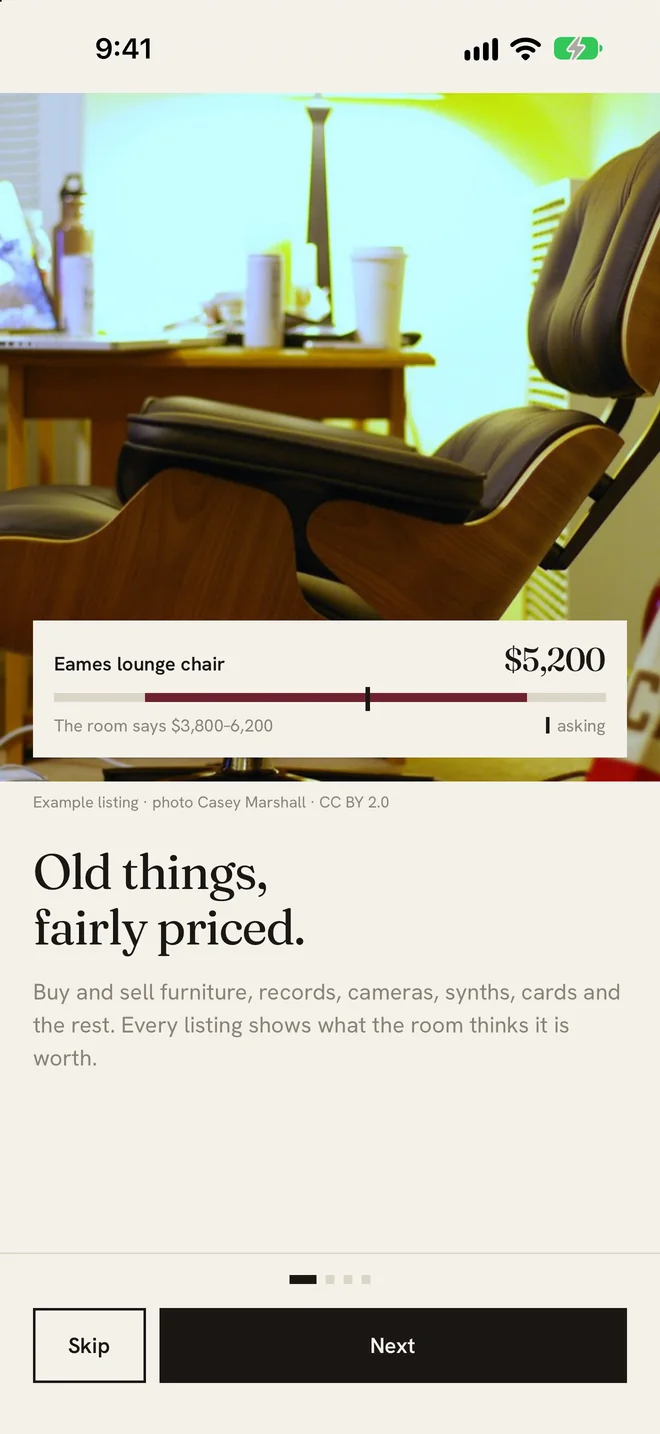
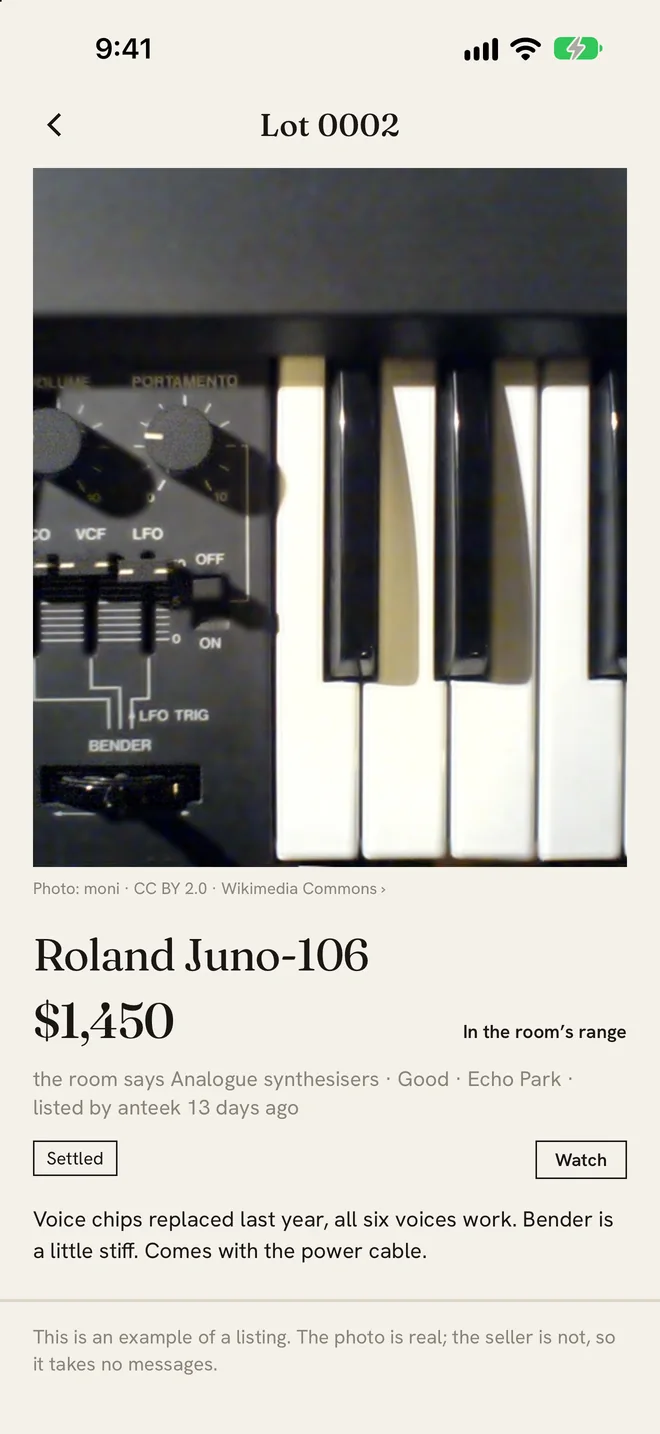
Every tile shows the asking price and, once the room has settled one, its range as Room $X–Y. Under it the price is read against that: Below the room, In the room’s range or Above the room.
Tiles marked as examples show how a lot reads. They are not for sale and cannot be messaged.
Sold
The Sold chip is real public auction results: the house, the date, the city and the hammer price, each from a published record. They are there for reference and never move anyone’s range.
Identify
Identify is everything people have asked about. Ask about yours at the top starts a post without a price.
Each card says where the question stands:
- First look. Nobody has named it yet.
- Needs a second opinion. One name so far. It takes two.
- Needs more eyes to settle. Names are in, but no answer has more than two thirds of the weight yet.
- Split. The room is divided between two answers, and the card names both.
- Settled. The room agrees, and the card says what on.
Posting something
Tap Sell, then Sell it to list it with a price, or Just ask what it is to post it for the room without one. You can add a price later.
Photos
Up to 10. The slots are Overall (the one required), Mark, Detail and Damage, then any more you like. Marks, labels and the underside are what the room identifies from. Each photo can be up to 8 MB in JPEG, PNG or WebP. It is resized to 2000 pixels on the long side, and its hidden details, like where it was taken, are stripped on the phone and again on the server.
The details
- Title, up to 120 characters.
- Where it goes, the branch, section and type, as deep as you know.
- When was it made, a year, with About if it is a guess.
- Where it is, required: a neighbourhood or a city, up to 60 characters. Anteek never reads your location.
- Price, in whole dollars, when you are selling.
- Condition: Mint, Excellent, Good, Fair, or For parts or repair.
- Description, up to 2000 characters.
Anteek is for vintage and antiques, so a thing has to be at least 20 years old. Vintage is 20 and over, antique 100 and over. Links are refused in posts and messages alike, and one account can post 20 times an hour.
The price suggestion
Name the type and the form may say Things like this settle at $X–Y in Q4 25. Opinion, not sale prices. It needs at least 5 settled things of that type in one quarter. When the type has too few, it walks up to the section and then the branch, and it looks back no more than 8 quarters.
How the room decides what it is
On any lot, name it as deep as you can stand behind and tap Put my name to it. A newer call from you replaces your last; each person holds one call per thing.
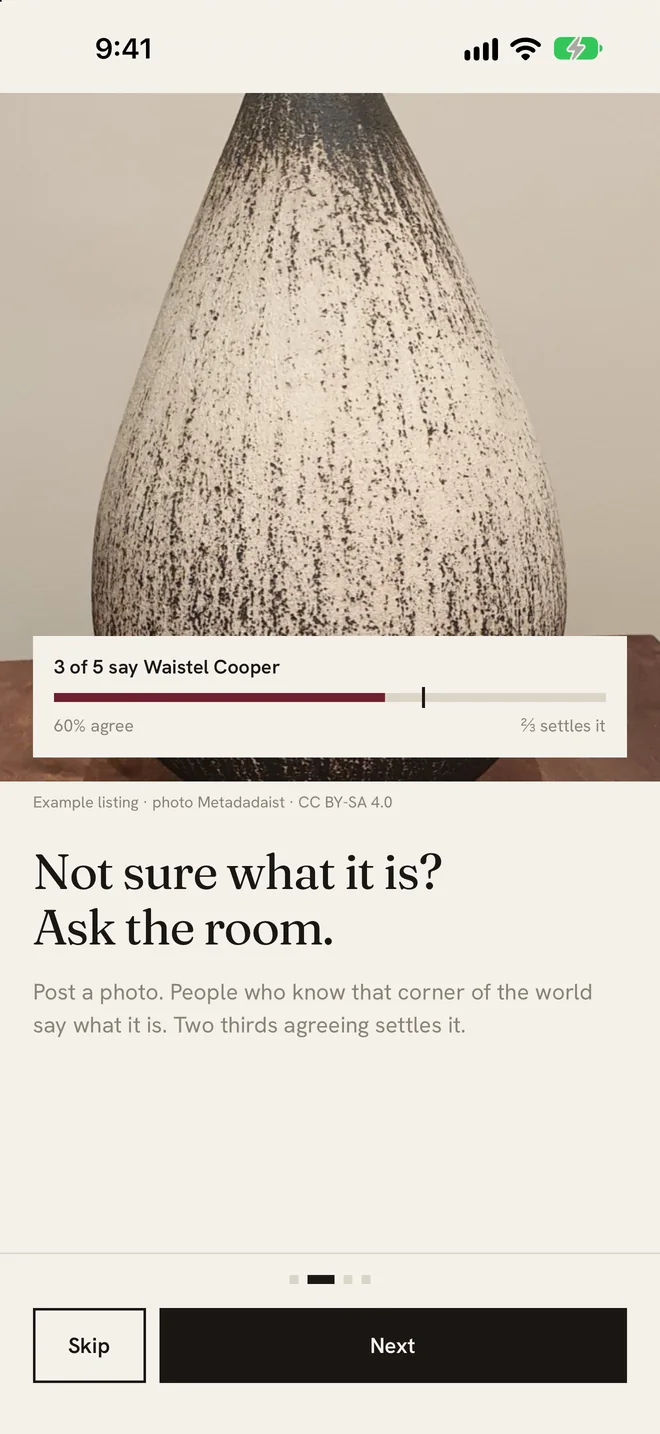
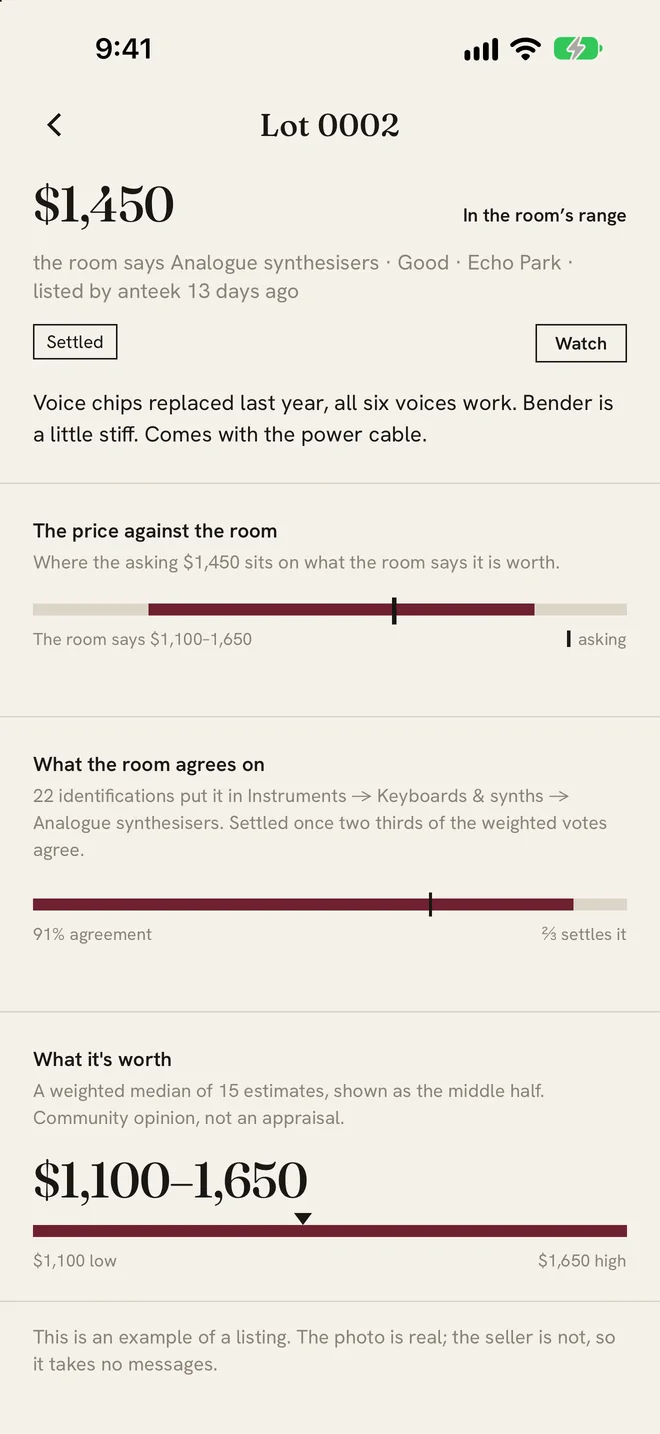
Calls are weighed by your standing in that branch (see Standing). A thing settles when more than two thirds of the weight agrees on one answer, across at least two identifications.
Naming something less precisely is not disagreeing with it. “Danish mid-century” does not contradict “Hans J. Wegner”. When the room disagrees on the detail, the answer rolls up to the deepest thing everyone does agree on: Danish mid-century, maker disputed is a real, useful answer.
Your call on your own thing counts like anyone else’s. Valuing it is the one thing you cannot do.
What it’s worth
Tap Estimate and give a low and a high in whole dollars, with a note of up to 1000 characters if you like. You cannot estimate your own thing.
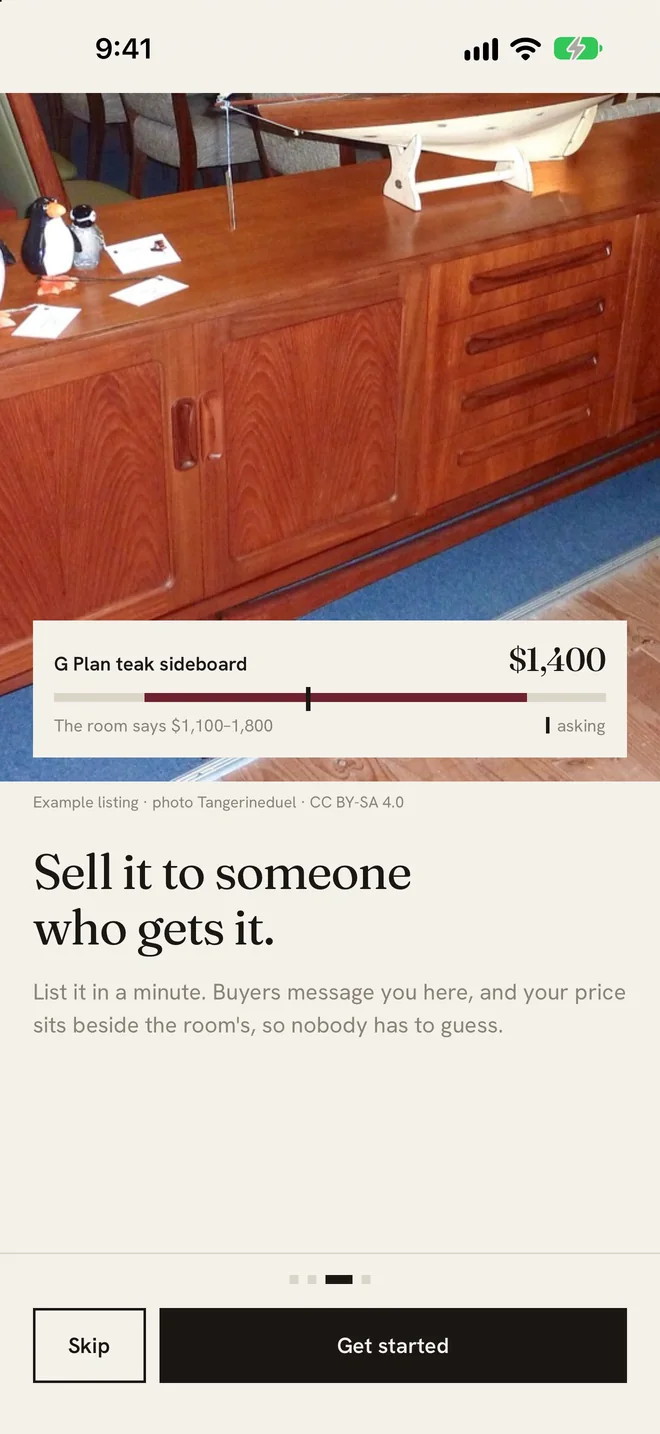
The band appears once there are 4 estimates. It is the middle half of them, the 25th to the 75th percentile, each estimate weighed by its giver’s standing, with the median marked. When the room agrees to the dollar, the band is opened 10% each way, because nobody honest quotes one number.
Below four estimates you see “not enough estimates yet”, never a made-up figure. The band is community opinion. It is not an appraisal, and it is not valid for insurance, tax or probate.
The Age Room and the Copy Room
If a thing looks younger than it claims, tap Question its age and choose As old as it says, Made later (with the year you think) or A copy. The lot then shows Age in question.
A question needs weight 2 behind it to open, and the “as old as it says” side has to be outweighed. A ruling needs weight 4, three quarters of the weight on one side, at least 3 people, and 72 hours for the owner to Answer the room. Confirming the claimed age takes the same bar with no wait.
- A copy. It moves to the Copy Room, where reproductions are kept so people can learn the tells.
- Made later. Its date changes to the weighted middle of the years people gave.
- Too new. Made later and younger than 20 years: it comes down. The owner can ask a moderator for a second look.
- As old as it says. The question closes.
The owner does not vote on their own thing’s age. They answer the room instead, with what they know about where it came from. A questioned thing never counts toward the price history.
Messages and offers
Message a seller from any listed, unsold lot. There is one conversation per buyer per thing. A message can be up to 2000 characters, an offer is whole dollars up to $100,000,000, and an account can send 60 an hour.
Links cannot be sent. Messages showing the signs of a common scam (asking for a code, an odd way to pay, moving off Anteek) carry a warning for the person reading them, and typing a phone number or an email asks Share your contact details? before it goes.
Under the other person’s handle you see New to Anteek, joined 3 days ago for an account under 14 days old, otherwise Joined October 2026, then 4 sold or nothing sold yet. Tap it for Staying safe.
Press and hold a message to report it, for harassment or threats, a scam or fake payment, something offensive or explicit, or something else. It is hidden for both of you at once, and a moderator reads it.
Watching
Tap Watch on any lot. You hear when it sells, when it goes up for sale, and when its price drops. The owner sees how many people watch it, never who.
Your own things
On anything you posted, the button under the photos reads Sell it or, once it is listed, Change the price. People watching hear about a drop. The three dots at the top hold the rest:
- Mark it sold. It leaves the market.
- Take it off the market. It stays on Anteek, just not for sale.
- Delete this post. Its photos and words are erased. Under review, it comes down now and is erased once a moderator has looked.
Standing
Standing is earned per branch, never across the whole app. Being right about cameras says nothing about your eye for rugs. Within a branch it counts everywhere beneath it.
| When | Points |
|---|---|
| Your call matches what the room settles on | +10 |
| You held a call the room later came round to | +25 |
| The room moves off a call you had made | −5 |
| Your estimate lands inside the settled band | +5 |
| You agree with the room on an age | +5 |
Points turn into weight once you have agreed with the room 10 times in that branch:
| Points in the branch | Weight |
|---|---|
| Under 50 | 0 |
| 50 | 1 |
| 250 | 2 |
| 1,000 | 3 |
| 2,500 | 4, the most anyone carries |
A new branch has nobody proven in it, so until it has 5 people with weight, every signed-in account counts as 1 there. Age calls pay points but never count toward the 10 agreements.
Reporting and blocking
Report a lot from its three dots: not an object, offensive or explicit, stolen or illegal goods, harassment in the notes, or something else. Each report counts at least 1, more from someone with standing in that branch, and at 3 the lot is hidden at once, before anyone looks. Every report reaches a moderator, who acts within 24 hours.
Block someone from the three dots on any of their things, or from a conversation. Their listings leave your market and no messages pass either way. Undo it in Settings.
Notifications
Allow them when the app asks and you hear when someone identifies or values your thing, when the room settles it or changes its answer, when someone questions its age and how that is ruled, when a message or offer arrives, and when something you watch goes up for sale, drops in price or sells. Answers on one post come at most once every half hour.
There is no switch inside the app. Turn them off for Anteek in your phone’s settings, or sign out.
Your account
The You tab lists what you are Asking, Selling, Buying, Watching and have Weighed in on, with your standing per branch.
Your handle can be 3 to 20 letters, numbers, dots or underscores, starting and ending with a letter or number. The first change is free; after that, once every 30 days.
Settings holds the community guidelines, Download my data (everything you posted, identified, estimated, messaged, watched and reported, as a file), sign out, and Delete account. What deletion erases, and how to do it without the app, is on the delete-account page.
Help
Something wrong? Settings, then Report a problem, or write to info@turbograffix.com. The privacy policy and the terms say the rest.