
 Starchitect
Starchitect
Draw the world’s great buildings from memory, against the clock.
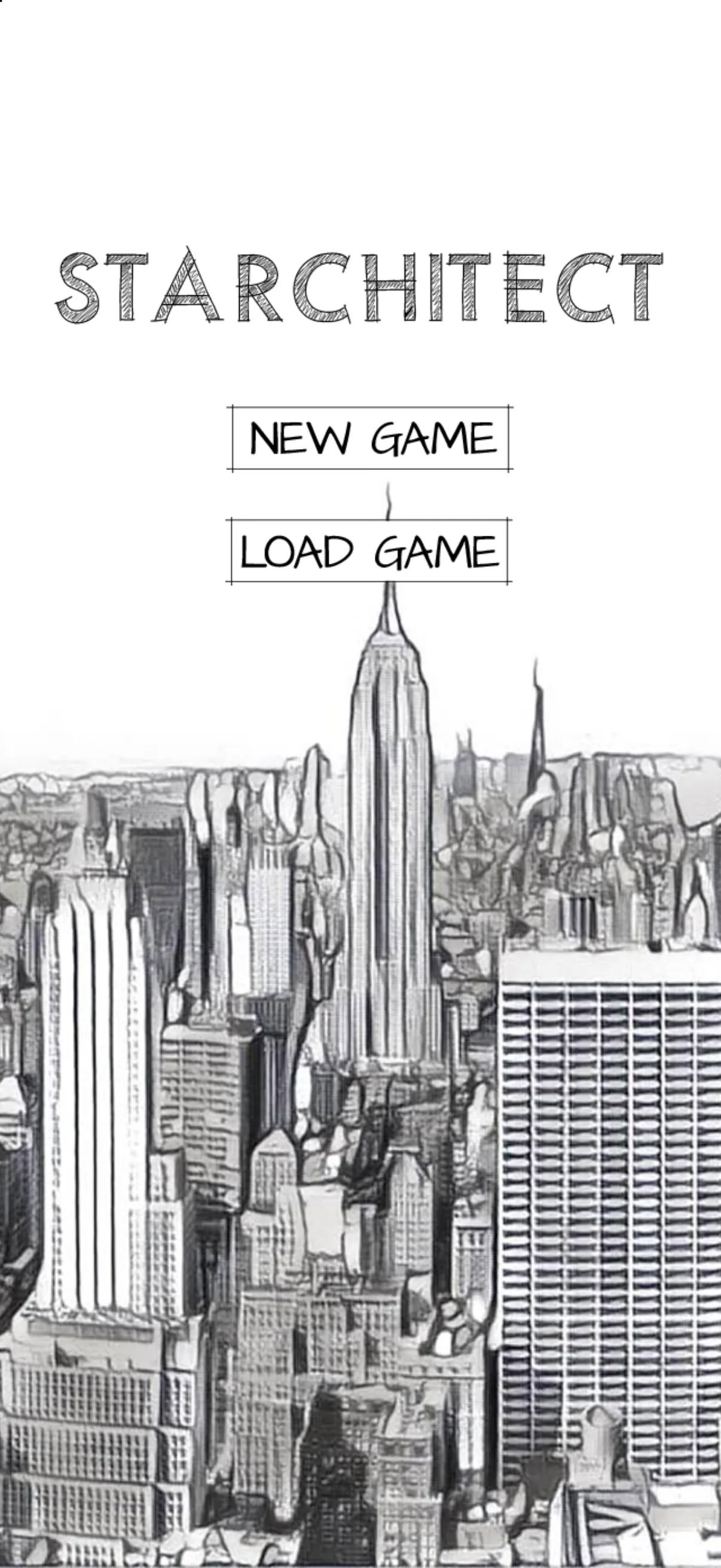
Le Corbusier takes you on as his apprentice. Draw real plans and elevations in one line, from Notre Dame du Haut to Fallingwater, and see how close you got against the real outline. Earn the stars and you rise through the ranks and across New York, from Brooklyn to SoHo, with less help at every step.
01What it is
From student to Starchitect.
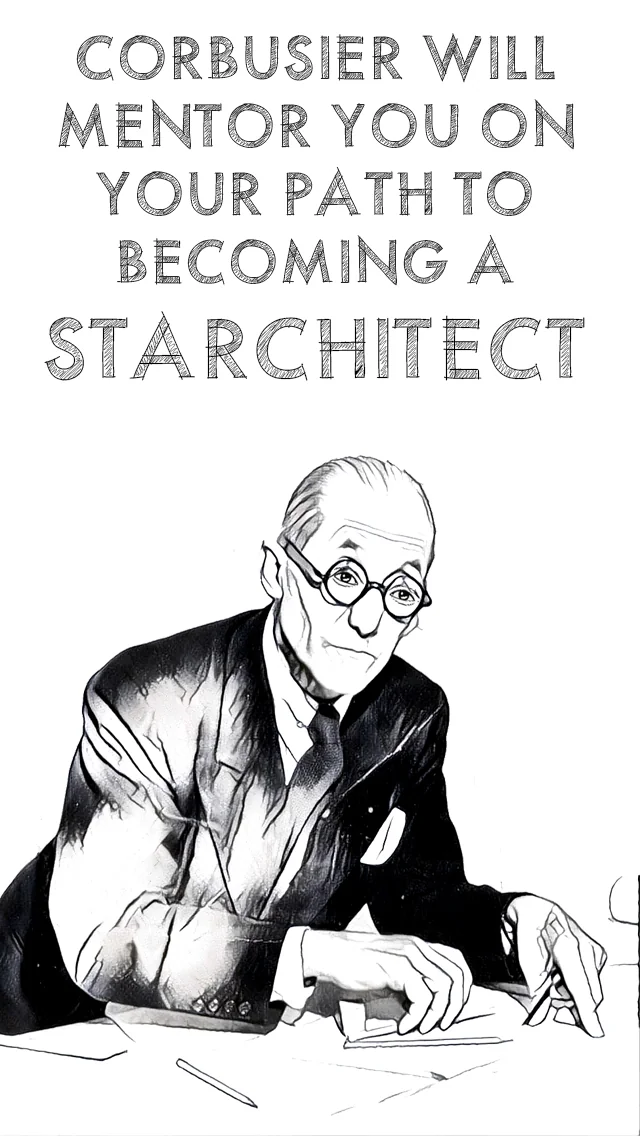
Starchitect is a drawing game about architecture. You start out as a student with Le Corbusier as your mentor, and every building you draw moves you up a rank: intern, junior architect, job captain, all the way to Starchitect.
Each level is a famous building. Draw its outline in one unbroken line and let go: the real outline is laid over yours and scored out of 100, for up to three stars. Average two stars a drawing and Le Corbusier promotes you.
The higher you rise, the less help you get. A student traces the plan. An intern gets a few seconds to study it before it fades. From job captain up it is gone, and you draw from memory.
The career runs across New York. You start in Brooklyn, land an internship in the Financial District, learn from the masters in Midtown and finish in SoHo: ten levels, twenty-three drawings.
It was designed and built as an iPhone game in 2016, where you joined the dots. This version is rebuilt from the original art and files, plays in any browser, and keeps the 2016 dot game under the gear as 2016 Rules.


02How to play
Draw it. Then draw it from memory.
- 01
Take your name
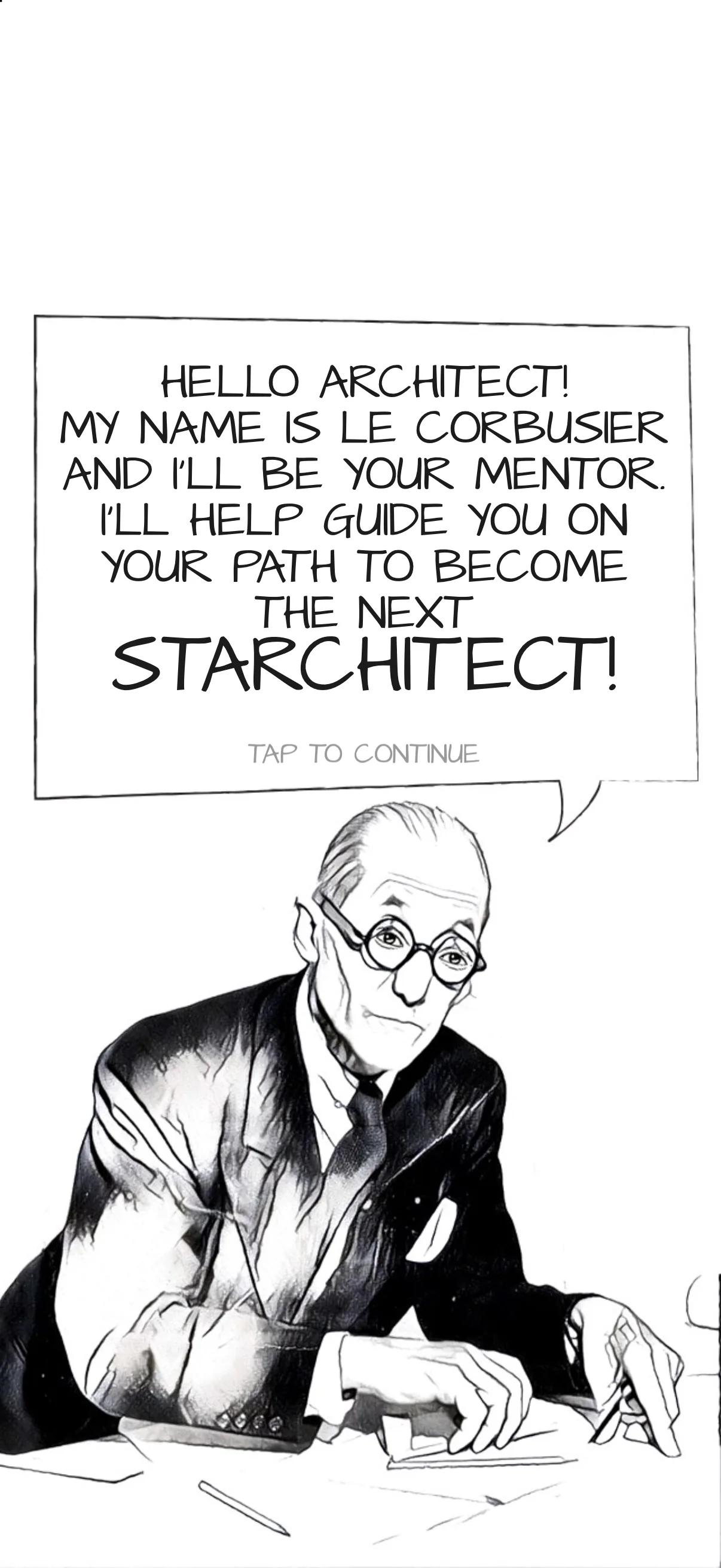
Type your name and Le Corbusier introduces himself. He checks in again each time your career moves to a new part of town.
- 02
Go where the work is
The map of New York shows where your next job is. Tap the star to go there; new neighbourhoods open up as you rise.

- 03
Draw it in one line
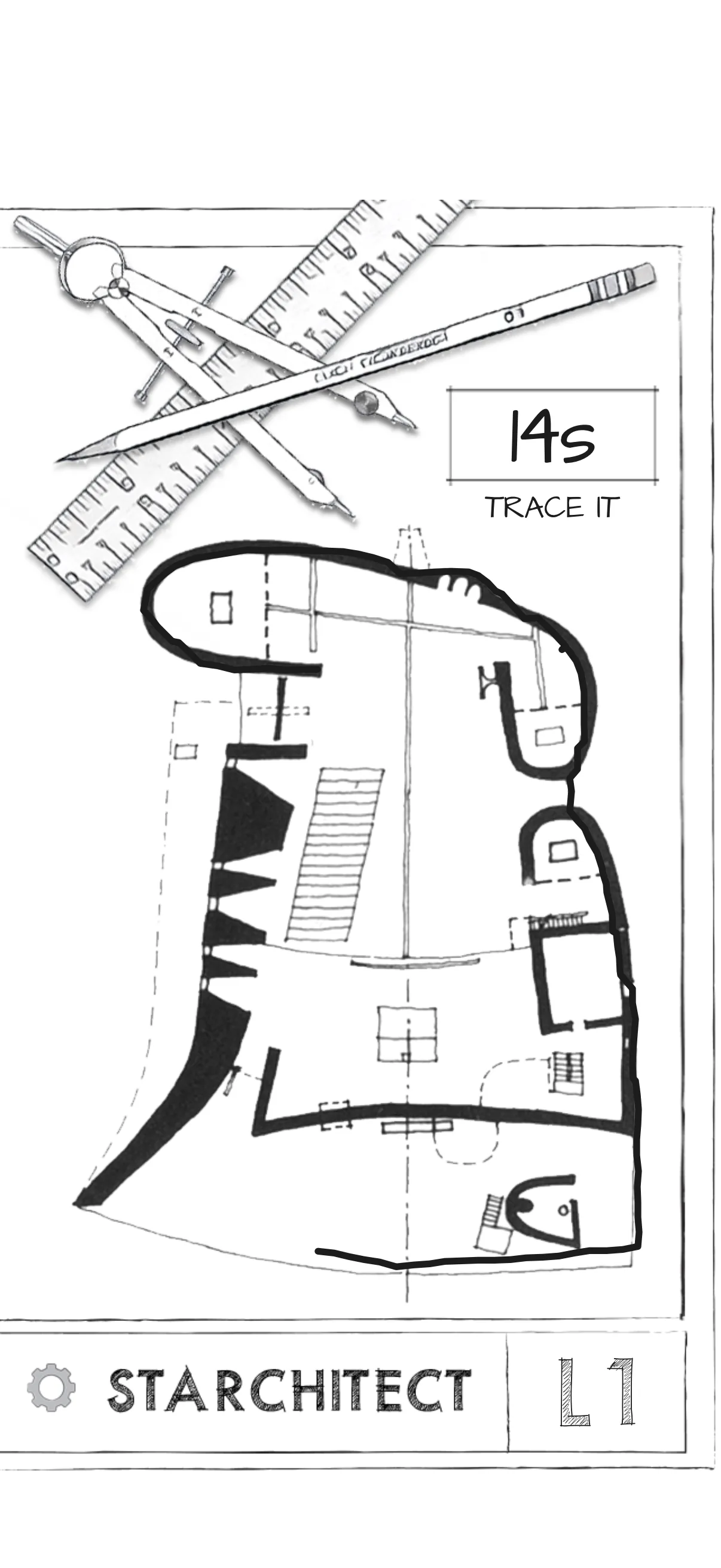
Put your finger down on the building’s outline and draw all the way round without lifting it, then let go. On the first level the plan stays up for you to trace. The clock in the corner counts down.
- 04
See how close you got
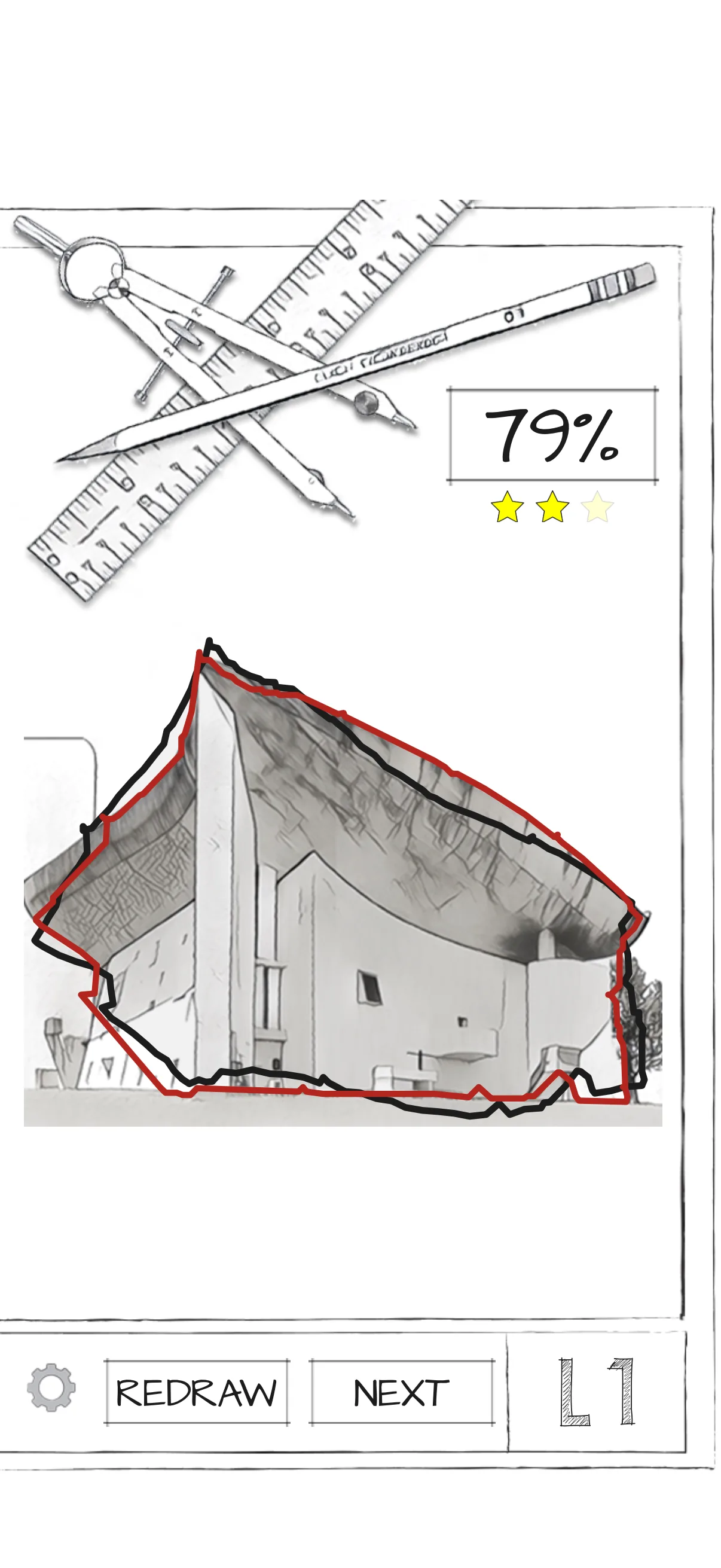
The plan comes back, your line slides onto it and the real outline is drawn over it in red, with a score out of 100 and up to three stars. Redraw it as often as you like: your best counts.
- 05
Study it, then draw from memory
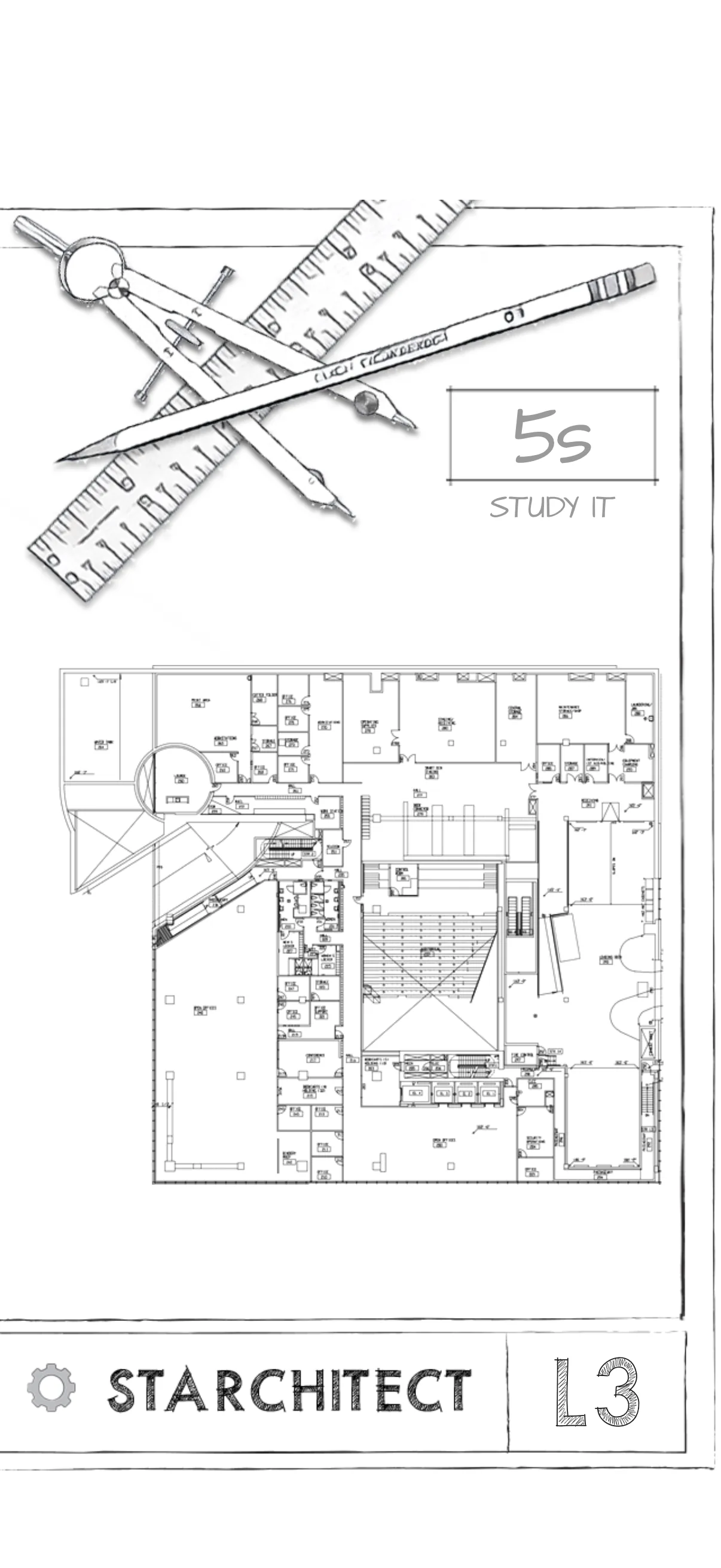
From level 2 you get a few seconds with the plan before it fades, and from level 4 it goes completely. Start drawing and it fades at once.
- 06
Earn the promotion
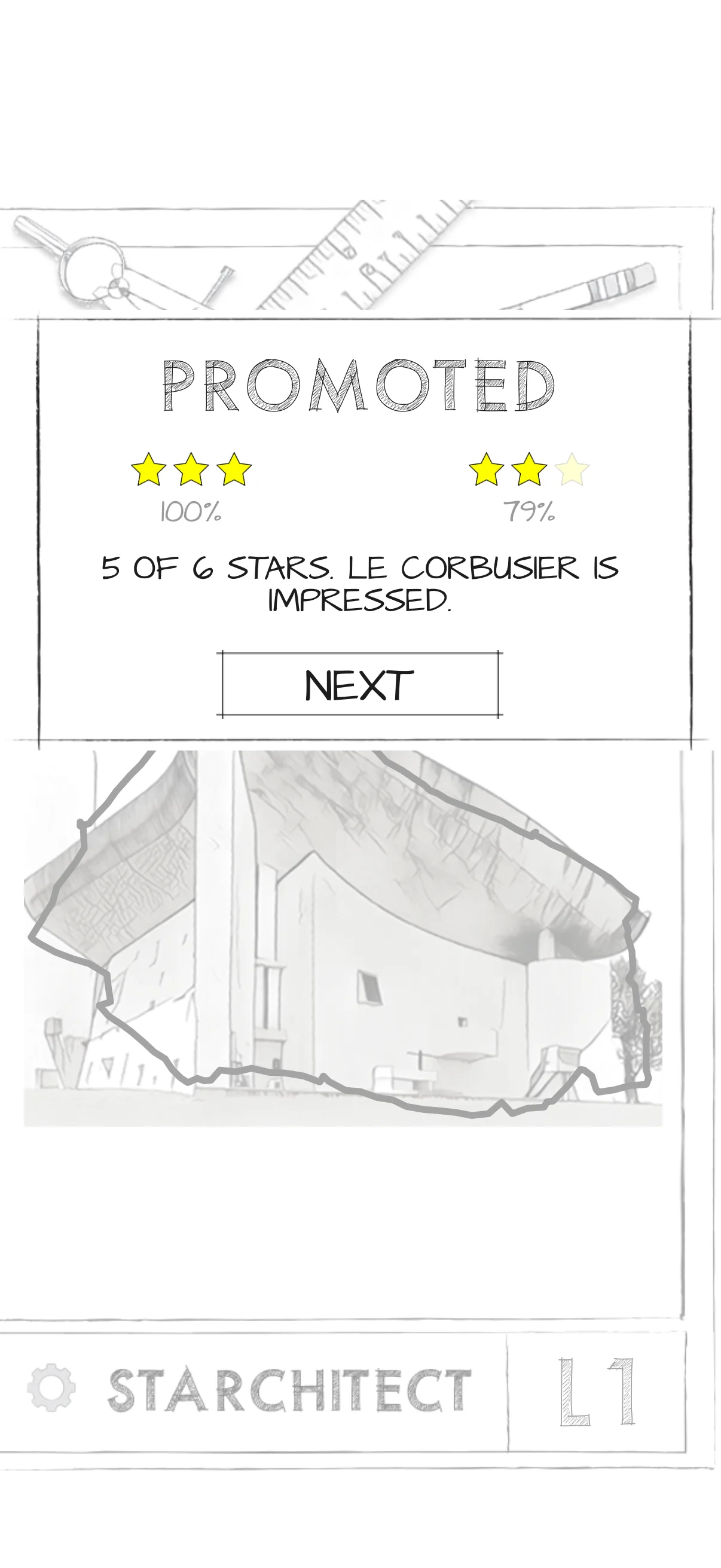
Average two stars a drawing and Le Corbusier promotes you: you see the finished building and take your next rank.
Every screen here is a real screenshot of this version, played on an iPhone.
03The buildings
Ten ranks. Ten great buildings.
- 01
The Student
Notre Dame du Haut · Le Corbusier
Brooklyn - 02
The Intern
Via 57 West · BIG
Financial District - 03
Junior Architect
Seattle Central Library · OMA
Financial District - 04
Job Captain
Villa Savoye · Le Corbusier
Midtown - 05
Senior Designer
Guggenheim Museum · Frank Lloyd Wright
Midtown - 06
Project Manager
Barcelona Pavilion · Mies van der Rohe
Midtown - 07
Studio Leader
Walt Disney Concert Hall · Frank Gehry
Midtown - 08
Junior Partner
Fallingwater · Frank Lloyd Wright
SoHo - 09
Senior Principal
Hearst Tower · Foster + Partners
SoHo - 10
Starchitect
Riverside Museum · Zaha Hadid Architects
SoHo
Two or three drawings a level, twenty-three in all: plans, sections and elevations.
04Get Starchitect
Keep it on your phone.
Starchitect runs in your browser, so there’s no store and nothing to download. Add it to your Home Screen and it opens full screen, like any app, and keeps working without a connection.
- iPhone and iPad
- In Safari, tap then Share, then View More, then Add to Home Screen.
- Android
- In Chrome, open the menu, then Install app.
- Mac
- In Safari, choose File, then Add to Dock. In Chrome, use the install button in the address bar.
- Windows and Chromebook
- In Chrome or Edge, use the install button in the address bar.
Plays offline once it has loaded.
05Questions
Good to know.
Is it free?
Yes. No ads, no account and nothing to buy.
Does it save my game?
Yes, on this device, in six save slots: Load Game picks up where you left off. On iPhone, the copy on your Home Screen keeps its own saves, apart from Safari’s.
How is a drawing scored?
Your line is moved and sized onto the real outline, so where you draw on the board doesn’t matter, only the shape. Then it is checked both ways: how much of the outline you drew, corners above all, and how much of your line lies on it. 90 or more is three stars, 75 two and 55 one.
Can I draw it again?
Yes. After each drawing, Redraw tries it again, and your best score counts. Under the gear at the bottom left, Start Over restarts the level and Main Menu takes you back to the title screen.
Can I still join the dots?
Yes. The 2016 game is under the gear: turn on 2016 Rules and the level restarts as the original dot to dot, with 90 seconds a drawing.
Does it work offline?
Yes, once it has loaded. Nothing you draw leaves your device.
Is there sound?
Sound effects, which you can turn off under the gear. There’s no music yet.
What can I play it on?
Any phone, tablet or computer with a current browser. It’s made for a phone held upright; on a computer you draw with the mouse.
Who made it?
Starchitect was designed and built as an iPhone game in 2016 by its original team. This version was rebuilt from their art and files at TG LABS, by TURBO GRAFFIX™, in 2026.
06Version history
What changed, and when.
- Current
- NewDraw each building in one line, scored against its real outline for up to three stars.
- NewThe ranks take the help away: the plan stays up, then fades, then is gone. A promotion takes two stars a drawing.
- NewRedraw any drawing; your best score counts.
- NewThe 2016 dot game stays, as 2016 Rules under the gear.
-
- NewStarchitect in the browser, rebuilt from the 2016 art and files: all ten levels and twenty-three drawings.
- NewKeep it on your Home Screen or Dock. It opens full screen and plays offline.
- NewStart Over and Main Menu, under the gear during a game.
-
- First versionStarchitect for iPhone.